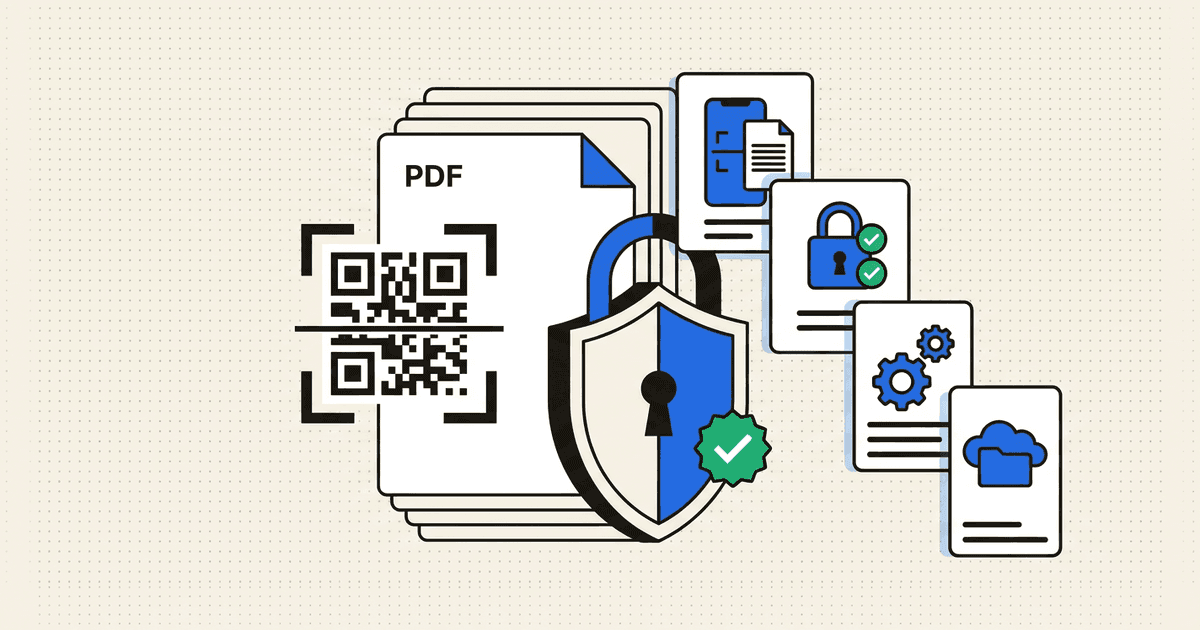
DocQR Tools icon3-Mode Document Privacy · GDPR UMP Verified

DocQR Tools Privacy, Data Safety & Deletion Portal

Complete transparency across local PDF tools, fast camera QR/Barcode scanning, ephemeral TLS 1.3 AI OCR, and optional 1-tap deletable cloud sync.

Effective: 2026-05-15 · Updated: 2026-08-03
DocQR Tools Data Safety & Privacy Architecture
01 · Default Processing
On-Device Local

PDF & QR tools run in phone storage

02 · Transit Security
TLS 1.3 Encrypted

Protected OCR & optional sync

03 · EEA / UK Consent
Google UMP Certified

Granular ad consent controls

04 · Account Deletion
Instant Self-Serve

1-tap in-app or email erasure

Plain-Language User Guide · 30-Second Read

What every user should know immediately

Clear, human-friendly answers aligned directly with our verified Google Play Data Safety declaration.

Data Sold to Brokers
Never ($0 / Zero)
Network Security
HTTPS / TLS 1.3
Deletion Rights
Instant Self-Service
Human Privacy Desk
Reply < 24 Hours
PDF merge, split, compress, lock, and QR tools run locally on your phone by default without cloud uploads.
Camera permission activates strictly in real time when scanning QR codes or paper pages — never in the background.
Optional Google/Email cloud sync can be permanently erased in 1 tap inside the app or via the web form below.
Interactive Data Flow Inspector

How data works inside DocQR Tools

100% On-Device PDF Merge, Split, Lock & Camera Scanning

Zero Upload Default

Core PDF operations (merge, split, compress, watermark, password lock) and camera QR/Barcode scans run locally inside Android Scoped Storage with zero cloud uploads.

  • Background gallery or storage folders are never scanned automatically
  • Camera feed processes frames in volatile RAM exclusively during active scans
  • Works smoothly offline with zero account required
§ 01 · PrivacyScoped storage files, optional auth & runtime camera access

Information Processed & Local-First Default

DocQR Tools (com.bengalbytes.docqr_tools) processes your PDF files, images, and QR codes locally on your Android device by default using Android's privacy-preserving Photo Picker and Document Provider.

If you voluntarily sign in with Google or Email, Firebase Authentication stores your email address, display name, and UID solely to sync your saved workspace items.

  • Camera Permission: Used strictly in real time while scanning QR codes, barcodes, or paper documents.
  • AdMob & Crashlytics: Free tiers display ads via Google AdMob (with certified UMP GDPR consent dialogs) and log anonymous crash diagnostics.
§ 02 · SecurityTLS 1.3 transport encryption & strict zero-sale commitment

Encryption Standards & Data Sharing Policy

All network communication — including optional cloud sync, AI OCR requests, and crash diagnostics — is encrypted in transit via HTTPS/TLS 1.3. Bengal Bytes never sells, rents, or trades user documents or personal information.

§ 03 · DeletionGoogle Play compliant 1-tap in-app & web deletion workflow

Self-Service Account & Data Deletion (#delete-account)

You can permanently erase your optional DocQR Tools account and all associated cloud records at any time through either method below:

  • Method A — Instant In-App Deletion: Open DocQR Tools → Profile / Settings → Account → Tap 'Delete Account Permanently'. Your authentication UID and synced cloud records are purged immediately.
  • Method B — Web / Email Deletion (Without Opening the App): Send an email from your registered address to [email protected] with subject 'Delete DocQR Account'. All cloud records are permanently deleted within 72 hours.
  • Local Device Files: Any PDFs exported to your phone's Downloads/Documents folder remain under your full local control on your handset.
§ 04 · TermsDocument responsibility, intellectual property & fair use

Terms of Use (#terms)

You retain 100% ownership and copyright over every PDF, scan, and QR code you create or edit using DocQR Tools. You are solely responsible for ensuring you have lawful permission to scan, edit, or unlock documents.

Google Play User Data Deletion Standard

Web Self-Service Account & Data Deletion

Fulfilled < 72 Hours

DocQR Tools (com.bengalbytes.docqr_tools) — Uninstalled the app? Submit your account email below to request permanent erasure of associated records directly from your browser.

Questions about your privacy or data safety?

Reach our privacy engineering team directly — human response within 24 hours. [email protected]