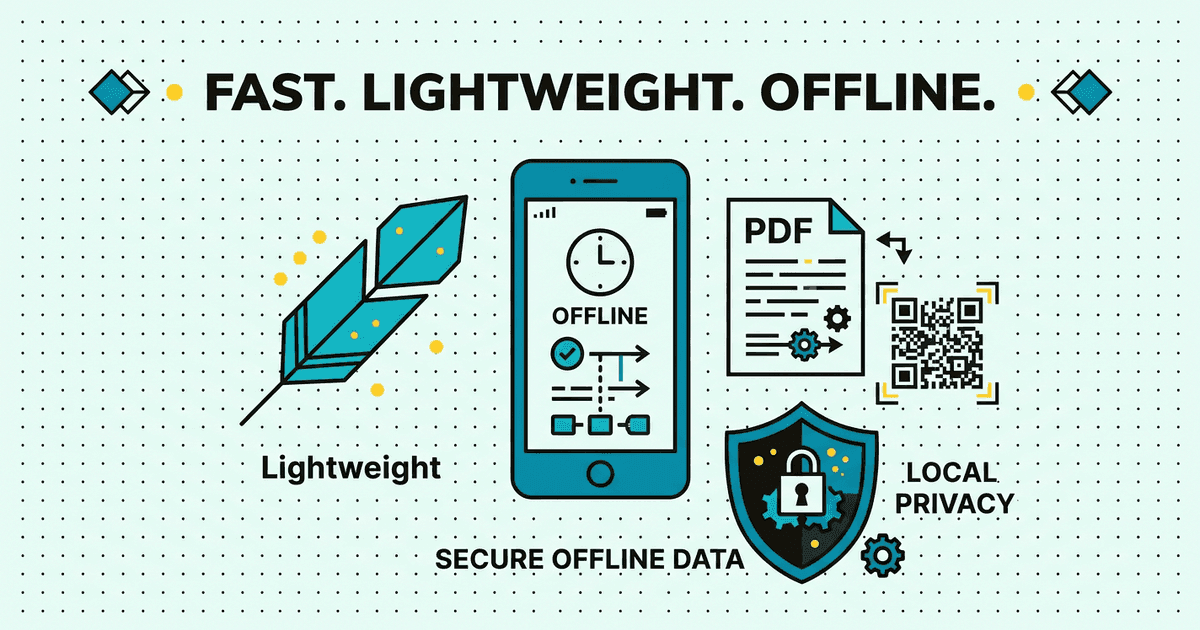
DocQR Tools Lite iconUnder 20 MB · 100% Offline Local Engine

DocQR Tools Lite Privacy & Terms Portal

22+ offline PDF, image compression, OCR, and QR utilities engineered under 20 MB — zero user accounts and zero cloud file uploads.

Effective: 2026-06-10 · Updated: 2026-07-02
DocQR Tools Lite Data Safety & Privacy Architecture
01 · App Footprint
Under 20 MB

Engineered for instant startup

02 · File Uploads
0 Bytes Uploaded

100% local phone processing

03 · Storage Access
Scoped Picker

No broad folder permissions

04 · Account Sign-Up
None Required

Wipe local history in 1 tap

Plain-Language User Guide · 30-Second Read

What every user should know immediately

Clear, human-friendly answers aligned directly with our verified Google Play Data Safety declaration.

Data Sold to Brokers
Never ($0 / Zero)
Network Security
HTTPS / TLS 1.3
Deletion Rights
Instant Self-Service
Human Privacy Desk
Reply < 24 Hours
0 bytes of your PDFs, photos, or scanned QR codes are ever uploaded to any server.
Uses modern Android Scoped Storage & Photo Picker — no broad file-system access permissions.
Zero login or registration exists anywhere in the app; clear local history in 1 tap anytime.
Interactive Data Flow Inspector

How data works inside DocQR Tools Lite

22+ Offline Document & QR Utilities Under 20 MB

0 Bytes Uploaded

DocQR Tools Lite removes all cloud sign-in, sync servers, and remote endpoints so every PDF merge, image compression, OCR scan, and QR code renders 100% locally on your handset.

  • Zero user accounts or login prompts anywhere in the app
  • Works 100% offline in Airplane Mode with sub-second startup
  • Ideal for confidential ID scans, receipts, and office documents
§ 01 · PrivacyZero document uploads, zero accounts, zero cloud servers

100% On-Device Document & Scan Processing

DocQR Tools Lite (com.bengalbytes.docqr_tools_lite) is an ultra-light (<20 MB) Android utility published by Bengal Bytes. None of your PDFs, compressed images, OCR text extractions, or scanned QR histories are ever uploaded to Bengal Bytes servers.

  • Zero Personal Account Collection: No email, name, or phone registration exists in the app.
  • Advertising Support: Free access is supported via lightweight Google AdMob banners/interstitials with Google UMP consent management.
§ 02 · SecurityCamera for scanning only; Scoped Storage for file saves

Minimal Hardware & Storage Permissions

Camera access is requested solely when scanning QR/barcodes or capturing pages and can be revoked anytime in Android Settings. Saved PDFs and QR PNGs are written directly to the folder you pick.

§ 03 · DeletionClear scan history in 1 tap — no server account exists

Local History Wipe & Storage Reset (#delete-account)

Because DocQR Tools Lite creates zero cloud accounts, all saved scan logs reside exclusively on your phone:

  • In-App Wipe: Tap Settings → Clear Scan & Tool History to delete all saved entries instantaneously.
  • System Wipe: Uninstall DocQR Tools Lite or clear App Storage in Android Settings to remove 100% of app data.
§ 04 · TermsFree personal & commercial utility license

Terms of Use (#terms)

Generated QR codes and processed PDF documents belong 100% to you and may be used freely for personal, academic, or commercial purposes without watermarks.

Google Play User Data Deletion Standard

Web Self-Service Account & Data Deletion

Fulfilled < 72 Hours

DocQR Tools Lite (com.bengalbytes.docqr_tools_lite) — Uninstalled the app? Submit your account email below to request permanent erasure of associated records directly from your browser.

Questions about your privacy or data safety?

Reach our privacy engineering team directly — human response within 24 hours. [email protected]